

ArtCAM training
Learn the relief-modeling workflow that made ArtCAM a favorite for decorative carving: building vectors, sculpting reliefs and setting up toolpaths for a finished piece.
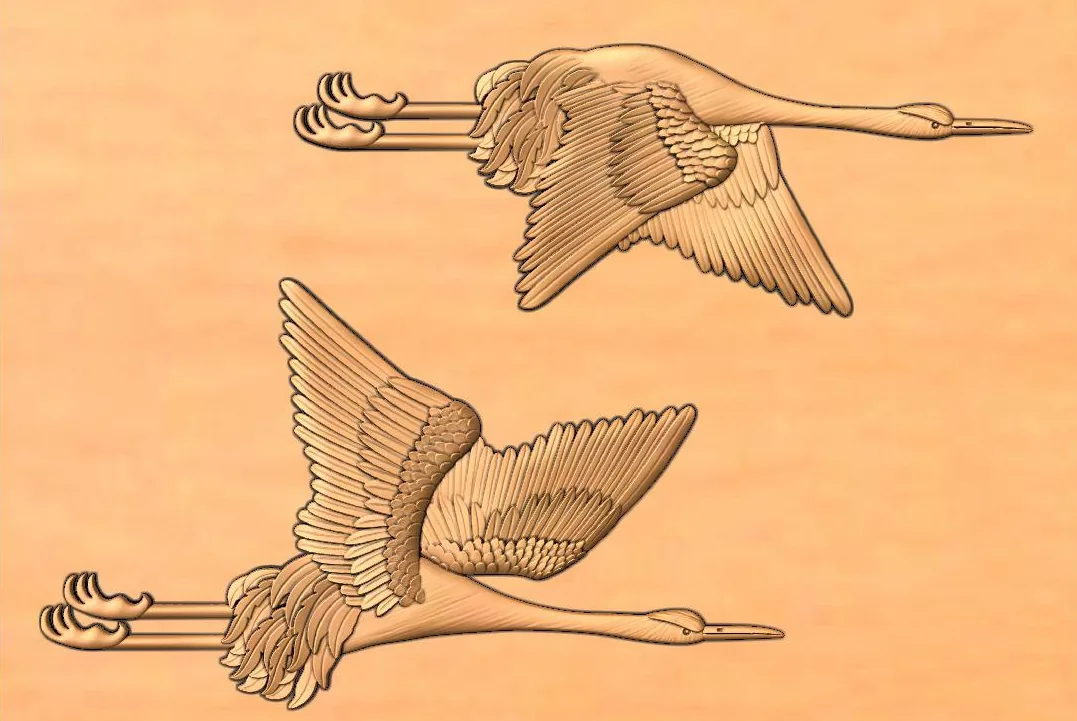
What you'll be able to do
- Create and edit vectors as the base for reliefs and toolpaths
- Model and sculpt decorative reliefs with depth and fine detail
- Choose toolpath strategies and set up machining for your material
- Take a decorative relief from first vector to finished toolpaths
Syllabus
- 01
Vector creation and editing fundamentals
Drawing, tracing and cleaning up vectors so shapes are closed, smooth and ready to model.
- 02
Relief modeling and sculpting techniques
Building reliefs with shape tools, sweeps and layers, then sculpting, smoothing and blending detail by hand.
- 03
Toolpath strategies and machining setup
Material setup, roughing and finishing passes, tool choice and stepover, and simulating before you cut.
- 04
A decorative relief project
A complete ornament or panel, from the first vector to saved toolpaths.
Who it's for
- Workshops that already run ArtCAM and want to use more of it
- Carvers who need to model reliefs, not just cut 2D shapes
- Makers planning a move to Carveco who want the underlying relief skills
What you'll need
- A Windows computer with your existing ArtCAM installation and license
- Licenses are not included, as ArtCAM is no longer sold
- A stable internet connection if you learn online
ArtCAM today
Autodesk stopped selling ArtCAM in 2018. Many workshops still run it every day, and its relief-modeling approach continues in Carveco, so the skills you build here carry forward.
ArtCAM training questions
Something else on your mind? Ask and we'll answer directly.
Ask the academy (opens WhatsApp)Is ArtCAM still available to buy?
No. Autodesk stopped selling ArtCAM in 2018. Carveco continues its relief-modeling approach, and much of what you learn here transfers directly.
Should I learn ArtCAM or Vectric Aspire?
If your workshop already runs ArtCAM, learn the tool you'll use every day. If you're choosing new software, Aspire is actively developed and widely used for 3D relief work. Tell us about your setup and we'll help you decide.
Do I need drawing skills?
They help, but they aren't required. Relief modeling is learned through practice with vectors and sculpting tools, and we start from the fundamentals.
How long is the course, and what does it cost?
Duration, schedule and fees are confirmed when you inquire, based on your experience and whether you learn online or in person. Your place is confirmed directly with us once you agree on the schedule and terms.
Other courses


Ready to learn ArtCAM?
Tell us your experience and goals, and we'll share the schedule, fees and next batch.